Turn a picture of a table into a real Excel file
Drop a photo, screenshot or scan. Every cell is read and rebuilt as a working .xlsx — real rows, real numbers, formulas you can edit. Not a picture pasted into a sheet.
All 31 tools for images, PDFs and text
Free tools that run inside your browser. Compress, convert, resize, merge and extract — no signup, no watermark, nothing uploaded.
JPG to Excel Converter
JPG to Excel Converter turns table photos into editable spreadsheets with image to Excel conversion and OCR table extraction.
JPG to PDF Converter
JPG to PDF Converter helps you convert images to PDF and turn pictures into a single PDF document for easy sharing.
Image Resizer
Image Resizer Online helps you resize JPG online and change image dimensions for websites, social media, and everyday use.
Image Cropper
Image Cropper Online lets you crop images online and adjust photo dimensions for profile pictures, social media, and design projects.
JPG to PNG Converter
JPG to PNG Converter helps you convert JPG to PNG and use an online image converter for quick image format changes.
Image Compressor
Image Compressor Online helps you compress images online and reduce image size for faster websites, easier sharing, and storage.
Thumbnail Maker Online
Thumbnail Maker Online helps you create video thumbnails and design images with a YouTube thumbnail maker for your content.
Background Remover
Background Remover Online helps you remove image backgrounds and create clean cutouts with a transparent PNG maker.
SVG Optimizer Online
SVG Optimizer Online helps you optimize SVG graphics and compress SVG files by cleaning unnecessary code from vector images.
GIF Maker Online
GIF Maker Online helps you create animated GIFs and use an image to GIF converter to turn image sequences into looping animations.
Image Watermark Online
Image Watermark Online helps you add watermark to photo files and use a photo watermark tool to brand and protect your images.
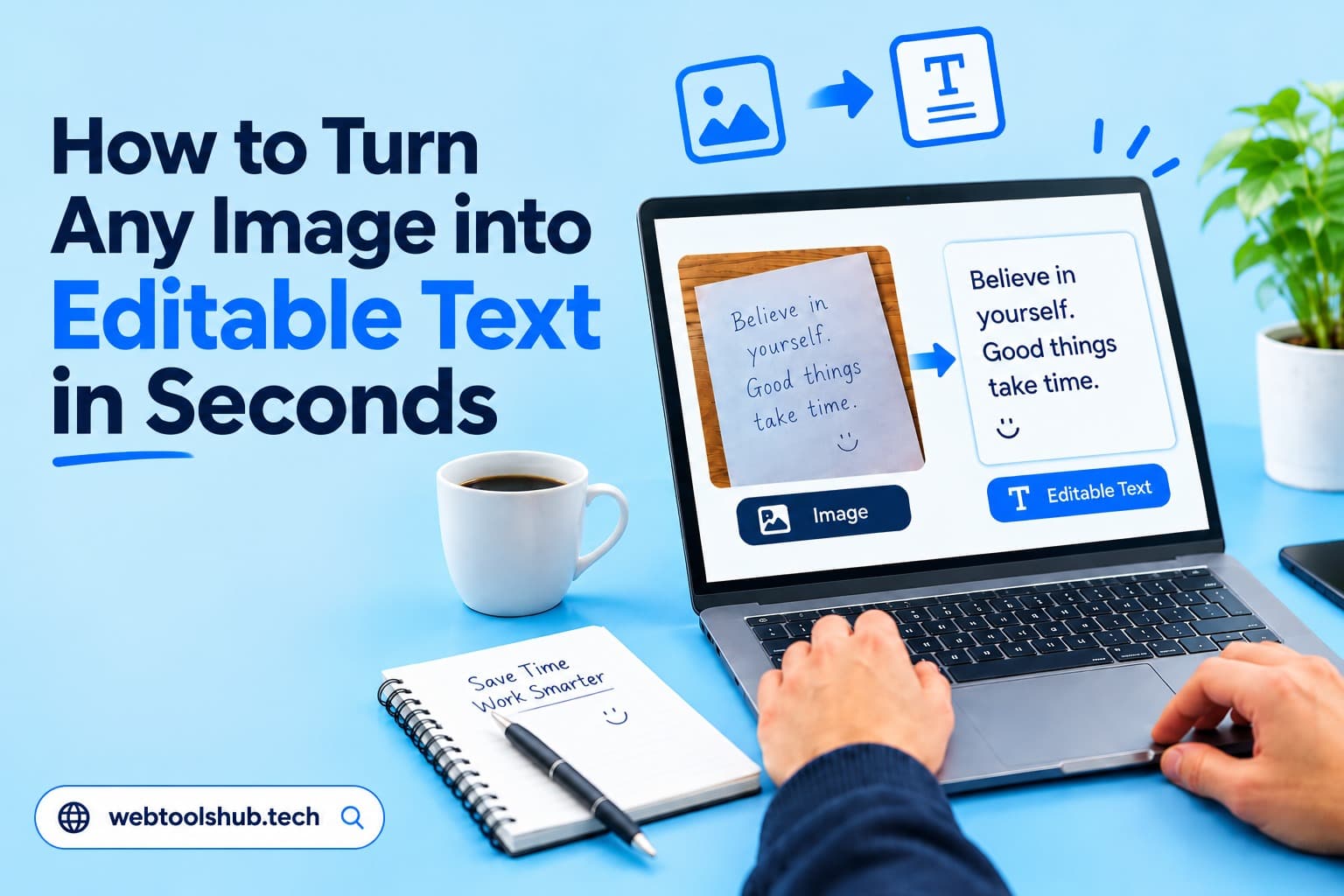
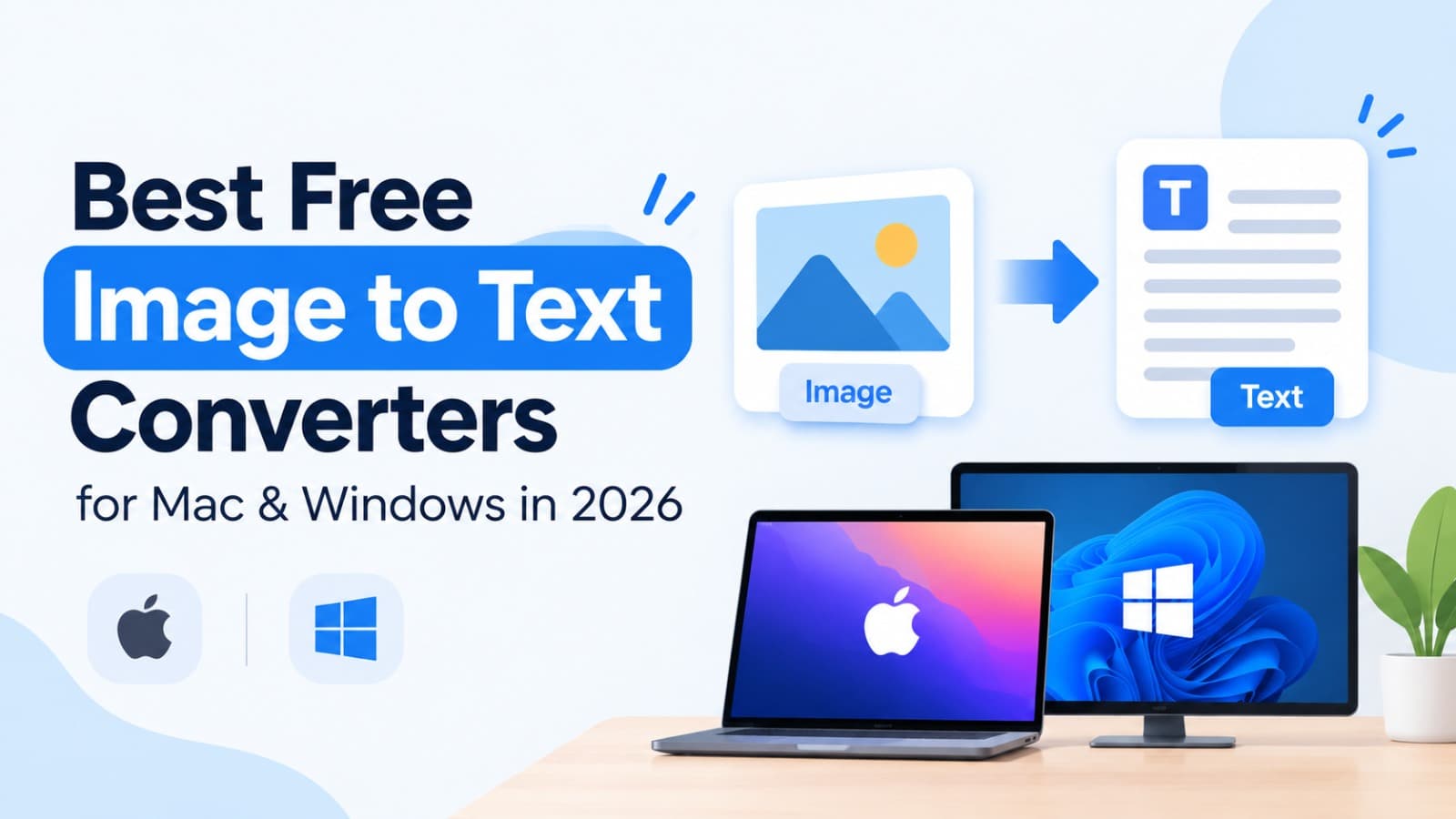
Image to Text - Online OCR
Image to Text Converter helps you extract text from image files and use an online OCR to turn picture to text into readable content.
PDF Merger
PDF Merger Online lets you merge PDF files and combine PDF documents into one organized file for easier sharing.
PDF Splitter
PDF Splitter Online helps you split PDF pages and extract PDF pages to create smaller, more organized documents.
PDF Compressor
PDF Compressor Online helps you compress PDF files and reduce PDF size for easier uploads, email attachments, and sharing.
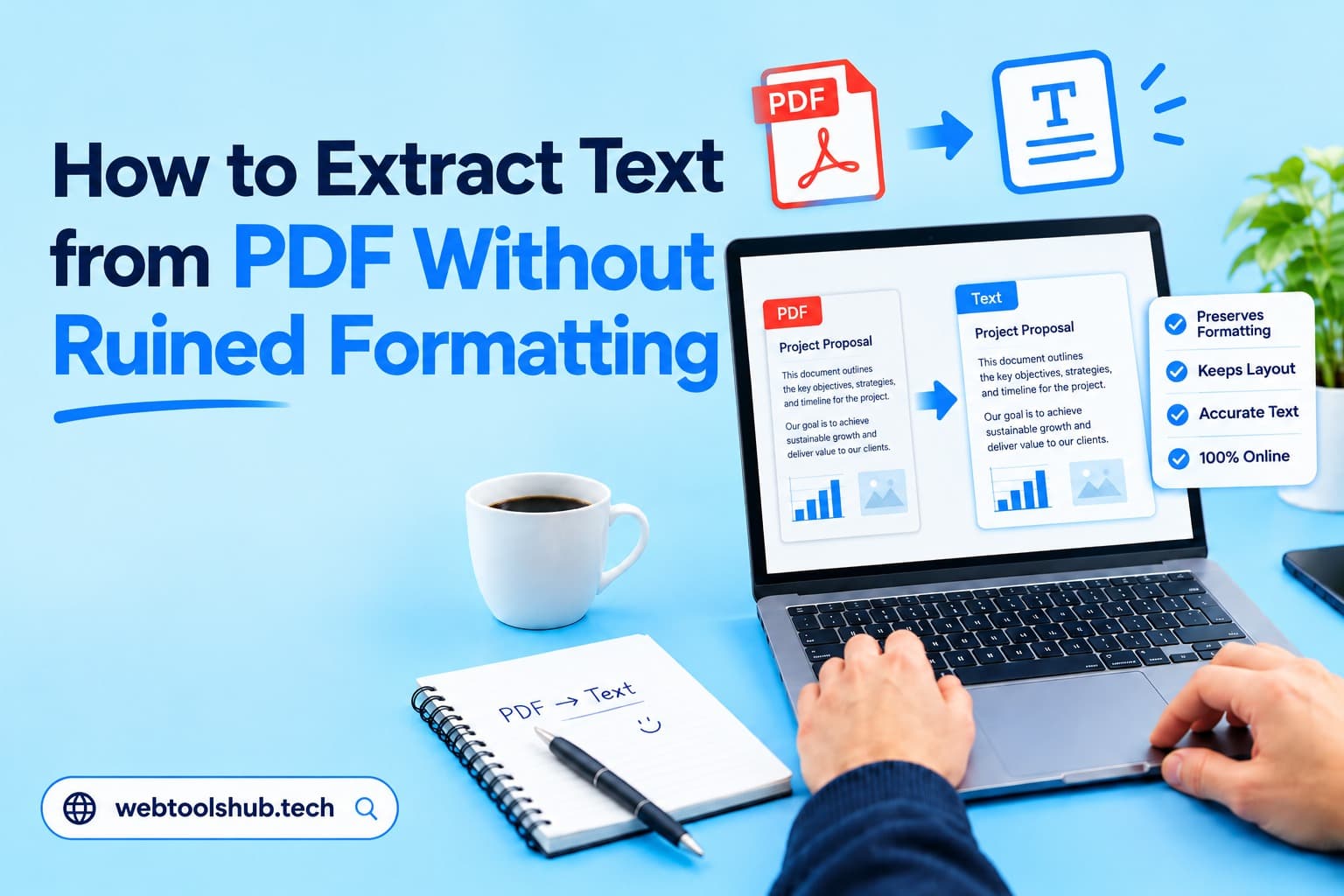
PDF to Text Converter
PDF to Text Converter helps you extract text from PDF files and use a PDF text extractor to get readable document content.
PDF to JPG Converter
PDF to Image Converter helps you convert PDF to JPG and export document pages as PDF to PNG images for easy use.
PDF Password Protector
PDF Password Protector helps you protect PDF with password security and secure PDF online before sharing important documents.
PDF Rotator Online
PDF Rotator Online helps you rotate PDF pages and fix PDF orientation when documents appear sideways or upside down.
Word to PDF Converter
Word to PDF Converter helps you convert DOCX to PDF and change a Word document to PDF for easy viewing and sharing.
Made for Privacy, Speed & Efficiency
Numerous image, PDF and text tools that run in your browser, so your files are never uploaded.
No Privacy Concerns
Every tool is 100% browser based and we do not store or upload your files on our servers. Your every action is operated on your end which ensures your data privacy.
Works Once Loaded
Once a tool has loaded, most tools keep working while the page stays open, even if your connection drops. Tools that need extra data, such as OCR language packs or translation, need a connection.
No Limits
We do not possess any hidden credits and paywalls. You can use it freely for as much files as you want.
High Speed
With simplicity, each tool is super fast in processing while keeping the strong efficiency in results. Once you drop your file, the process starts that moment.
How it works
Three steps, and none of them is "create an account".
Pick a tool
Search or browse the toolkit and open the one that matches the job you need done.
Drop your files
Drag them in or choose them from your device. Sensible defaults are already selected.
Download
Get your result instantly. Everything is processed in your browser, so nothing is stored.